Press kit
One line
Pupitre is a music stand for your MIDI keyboard: songs fall onto the keys you play them on while the score scrolls above.
Short description
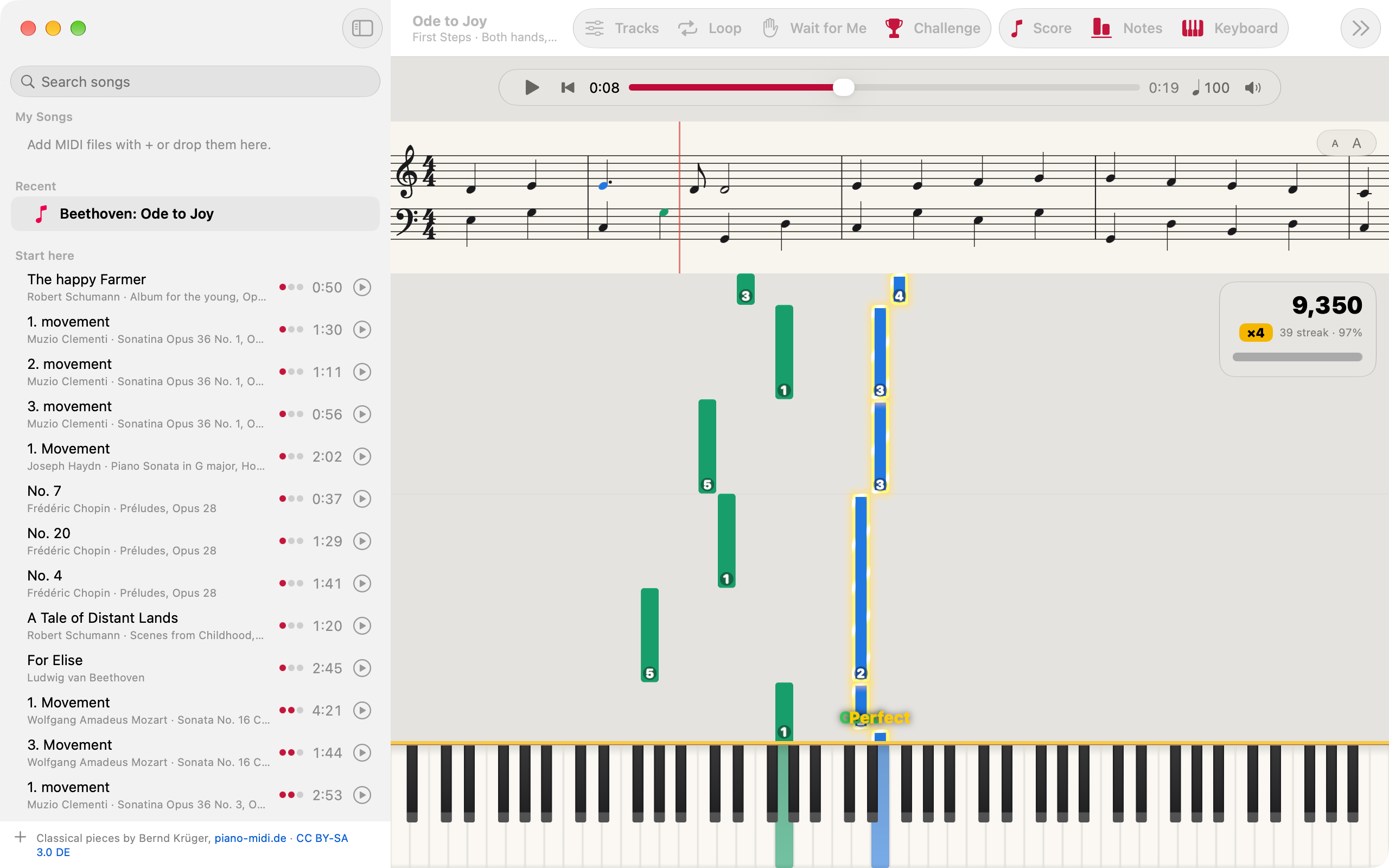
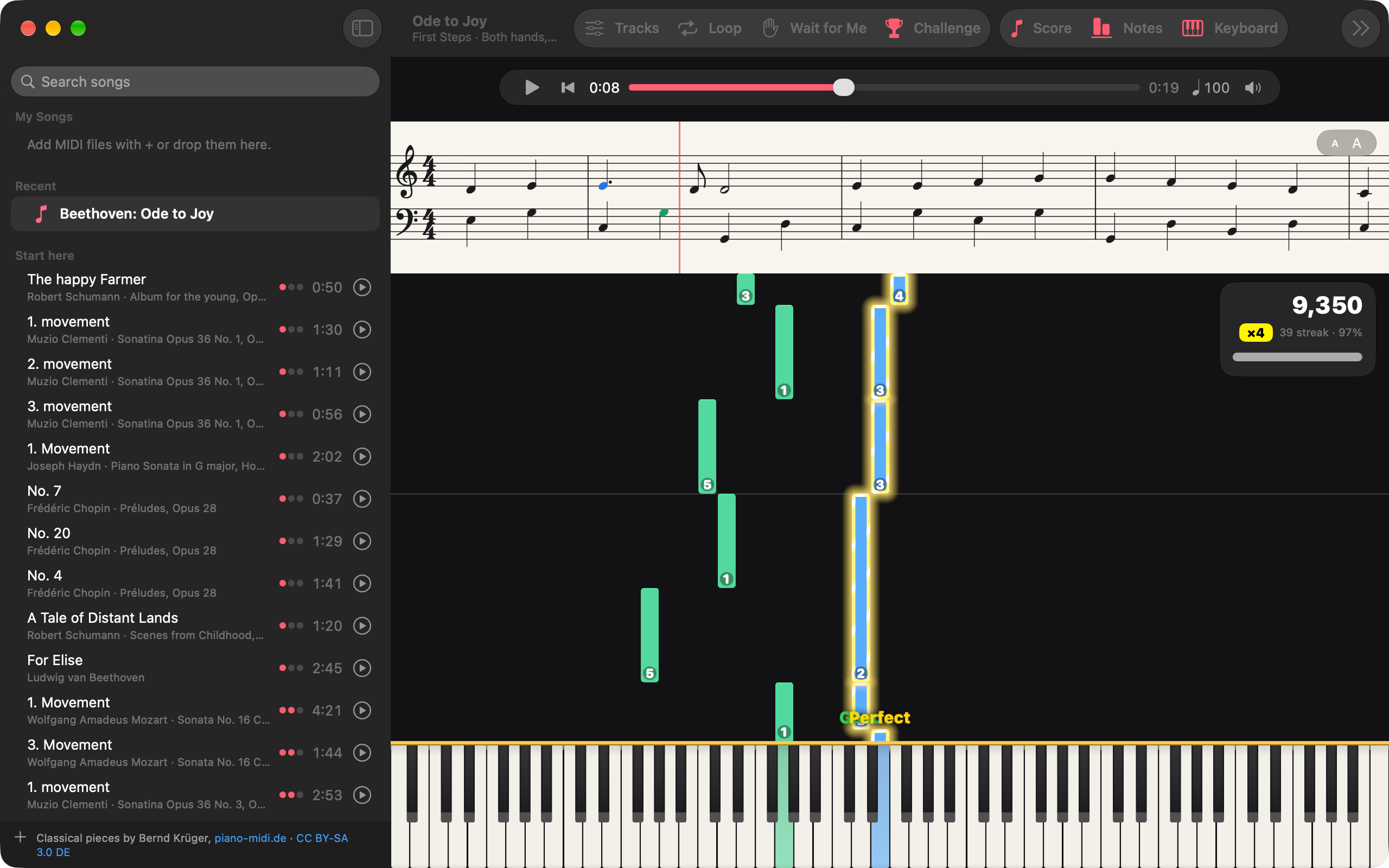
Pupitre turns a MIDI keyboard into a piano with a music stand in front of it, on Mac, iPad and iPhone. Open a song and its notes fall towards the keys in each part’s colour while an engraved grand staff scrolls above. Play along at your own pace, let the song wait for you, or take on the challenge and score every note. It comes with a course for beginners, First Steps, and 332 classical pieces.
Longer description
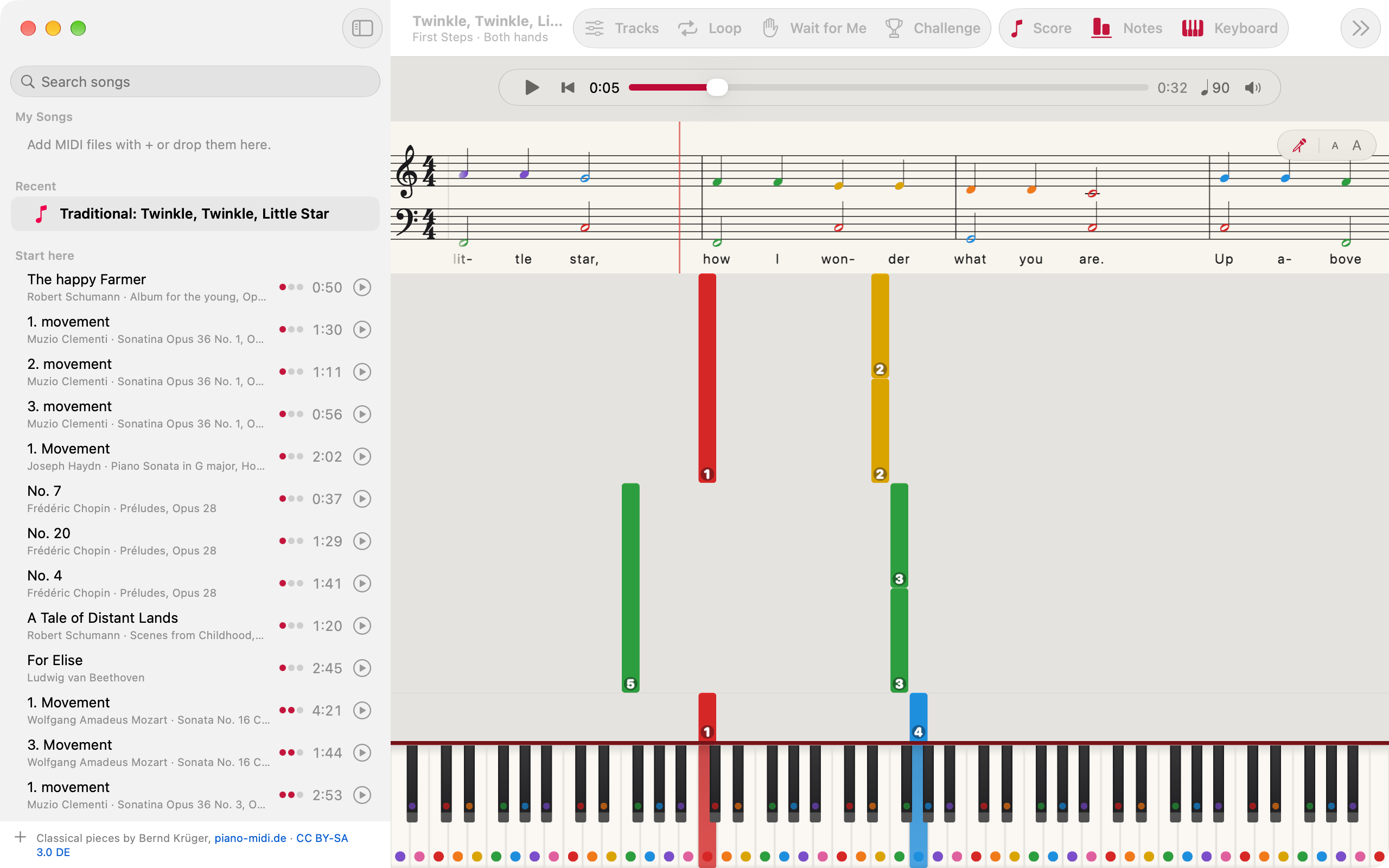
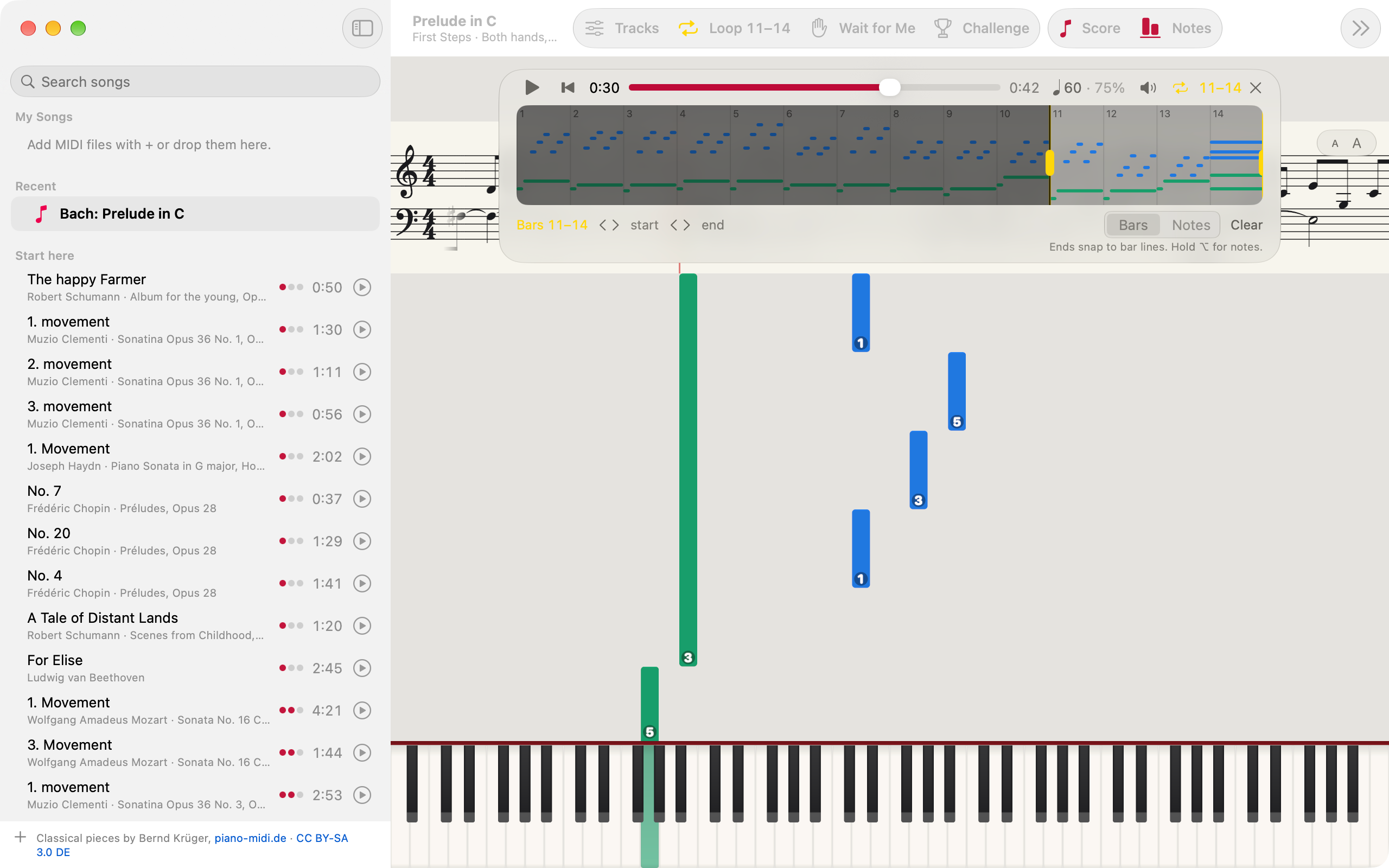
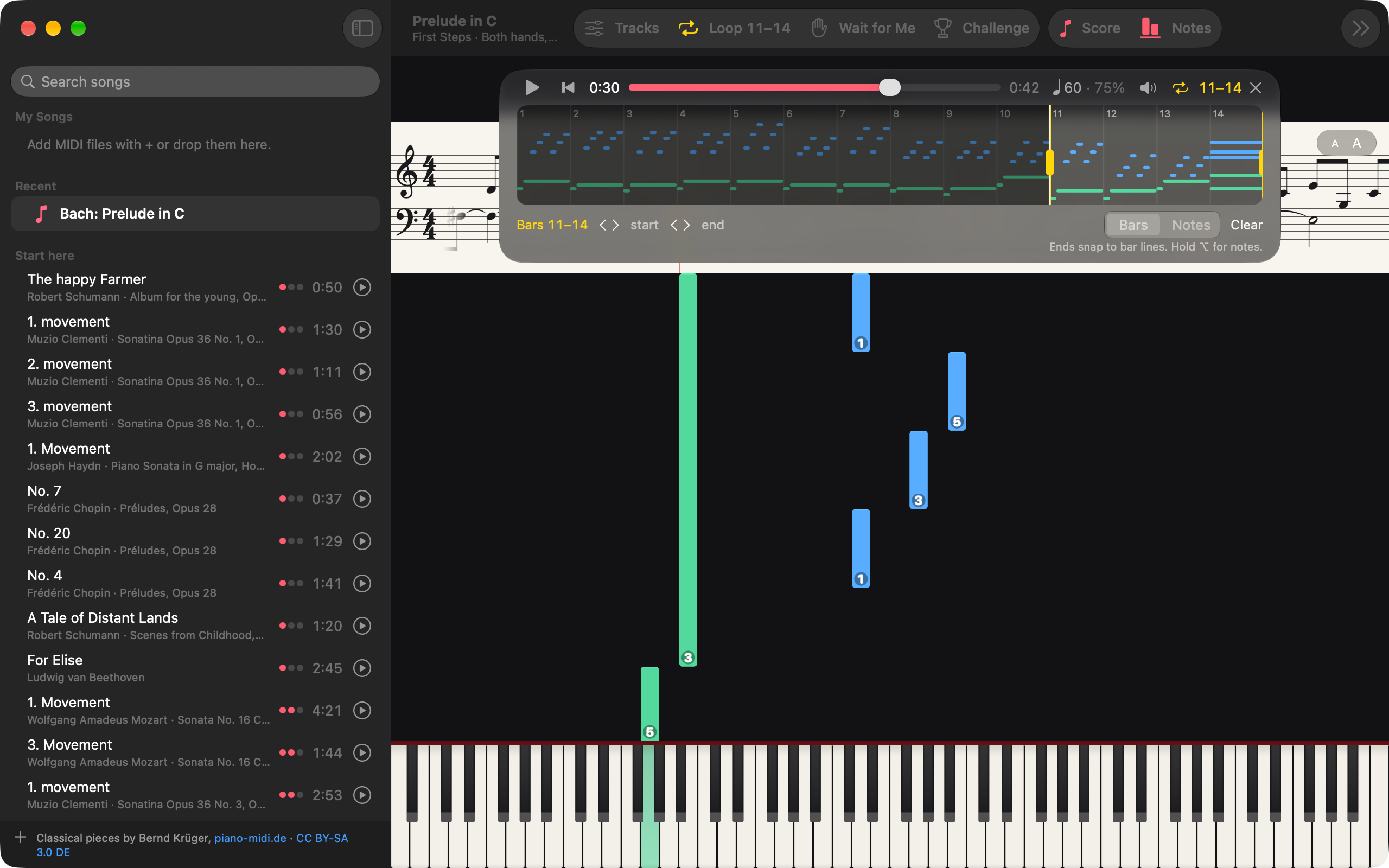
Pupitre is built around the way a piano is learned: one hand at a time, slowly, the hard bars over and over. Each part of a song can be shown or silenced, so you play the one you are learning while Pupitre plays the rest. The tempo runs from 25% to 200%, a section loops with no gap, and Wait for Me holds the song at each of your notes until you play it. Rainbow Notes colours each note by its name on the score, the falling notes and the keys, and the fingers are written on the falling notes, as First Steps arranges them or as Pupitre suggests them for your hand.
Challenge judges each note as you play it, Perfect, Good, Early, Late or Miss, with a streak multiplier up to ×4 and a best kept per song. An upright piano is built in and a Concert Grand comes with Pupitre Pro as a download from Settings, both played with your velocity and sustain pedal. There is no account, no ads and no analytics: songs, settings and best scores stay on your devices and in your own iCloud.
Fact sheet
- Name: Pupitre
- Developer: Magenta Creations
- Platforms: Mac (macOS 26 or later), iPhone and iPad (iOS and iPadOS 26 or later)
- Input: Any MIDI keyboard, or the keys on screen
- Songs included: 28 First Steps tunes at three levels each, and 332 classical pieces from piano-midi.de
- Status: Version 1.0.0, on the App Store
- Website: https://pupitre.mgcrea.io
Assets
- App icon, 1024 × 1024 PNG
- App icon, SVG
- Social card, 1200 × 630 PNG
Screenshots
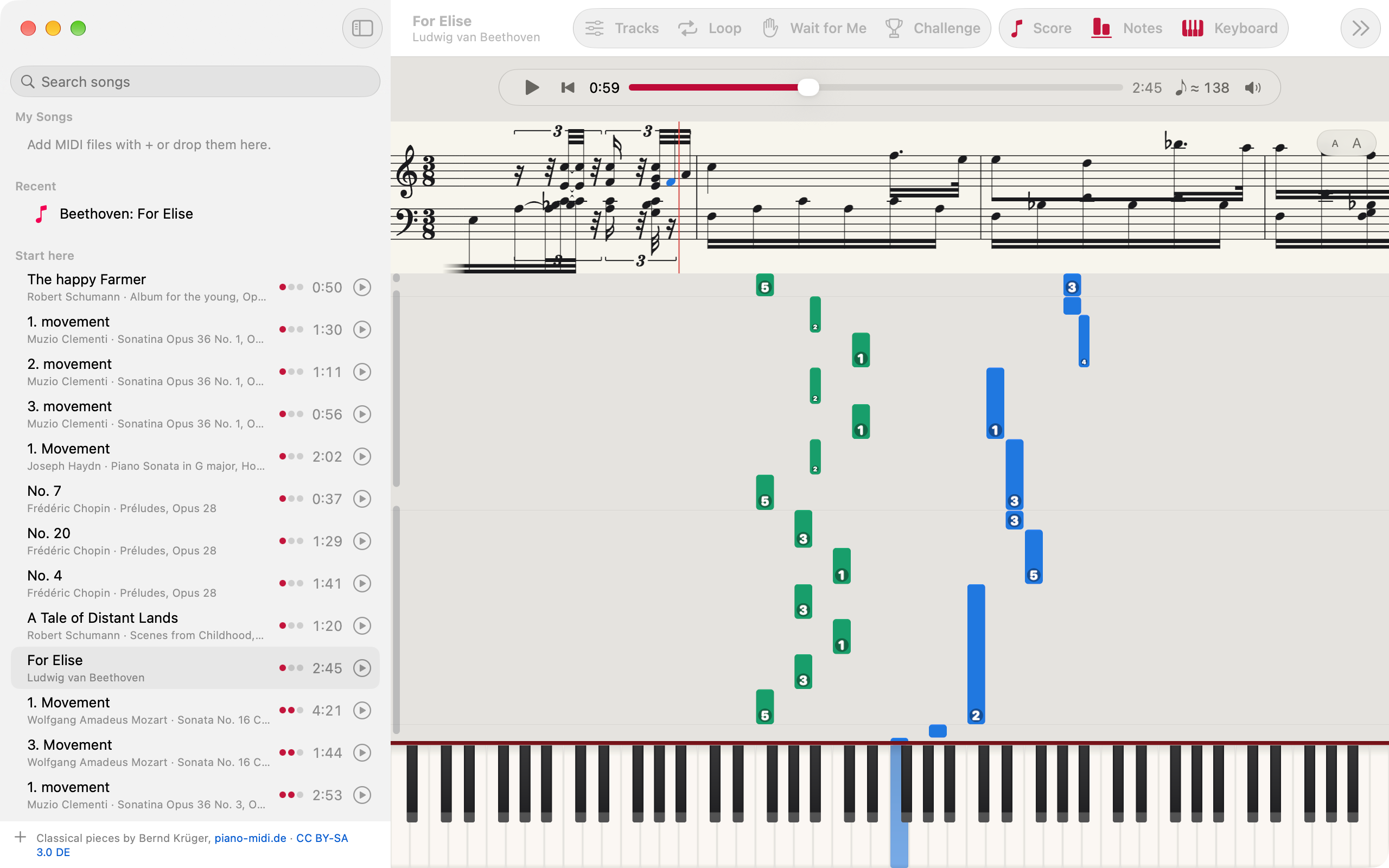
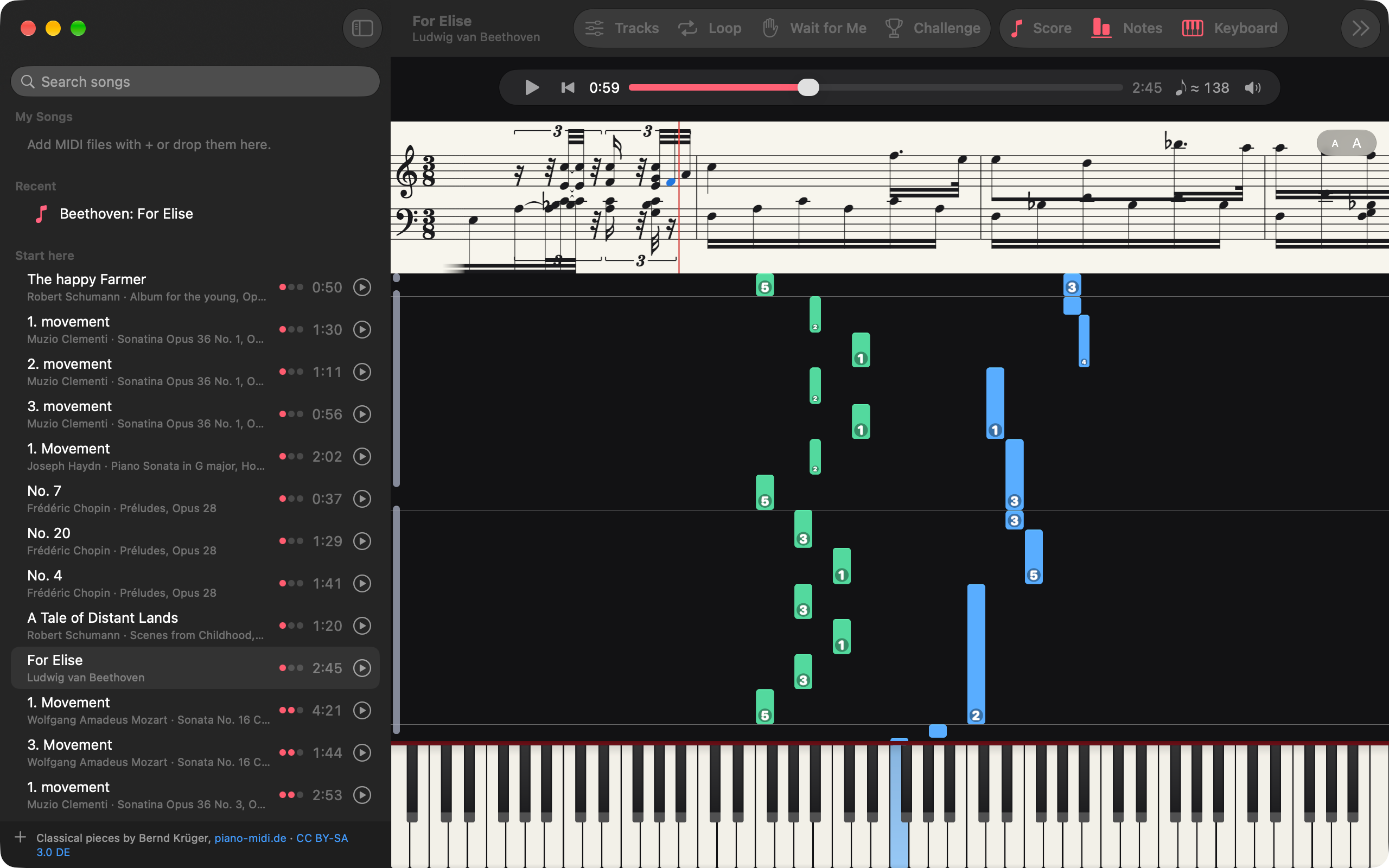
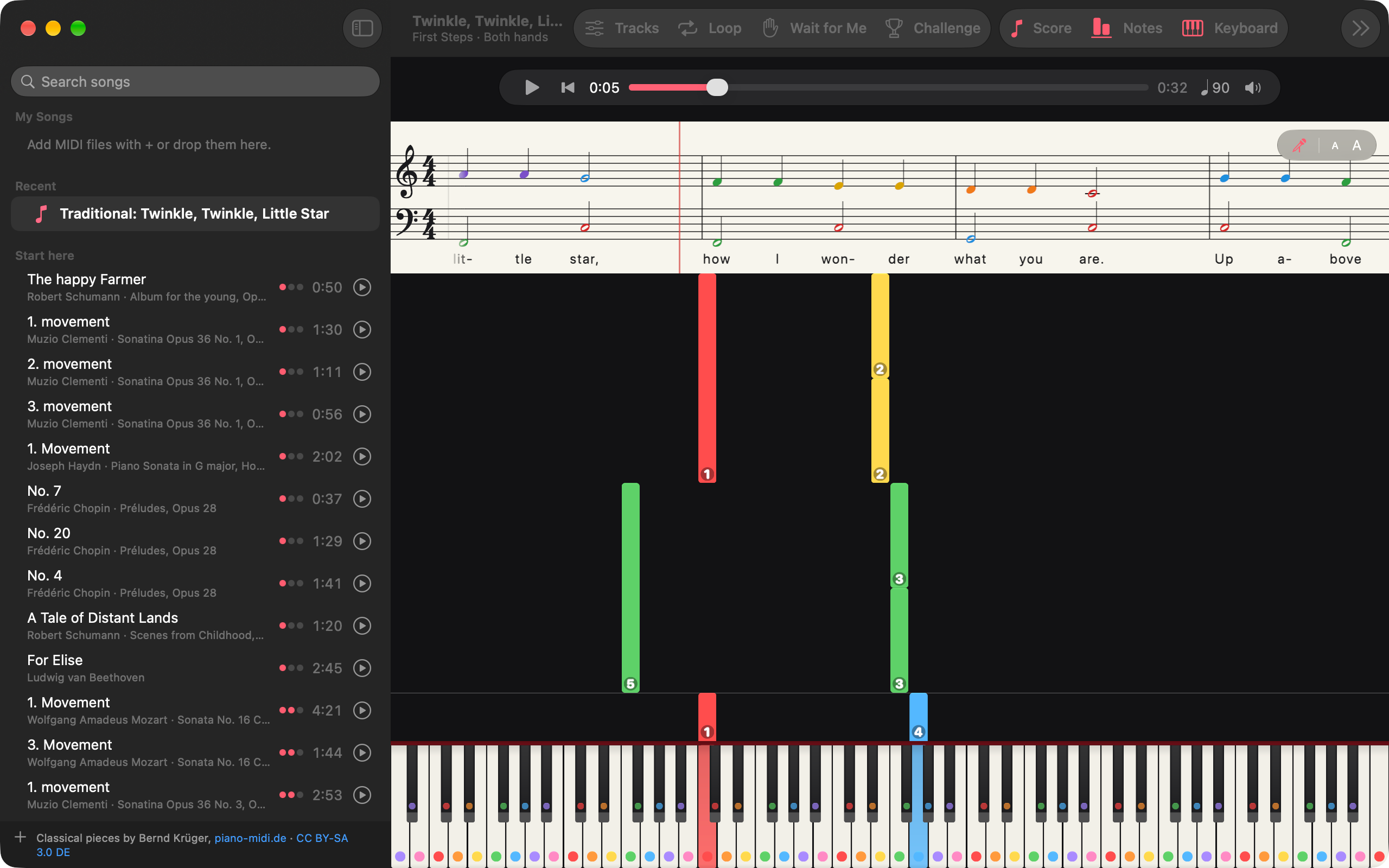
The Mac app, 2560 × 1600 PNG, each in light and dark.
- Falling notes and the score: light, dark
- Rainbow Notes and fingers: light, dark
- Challenge: light, dark
- A looped section: light, dark